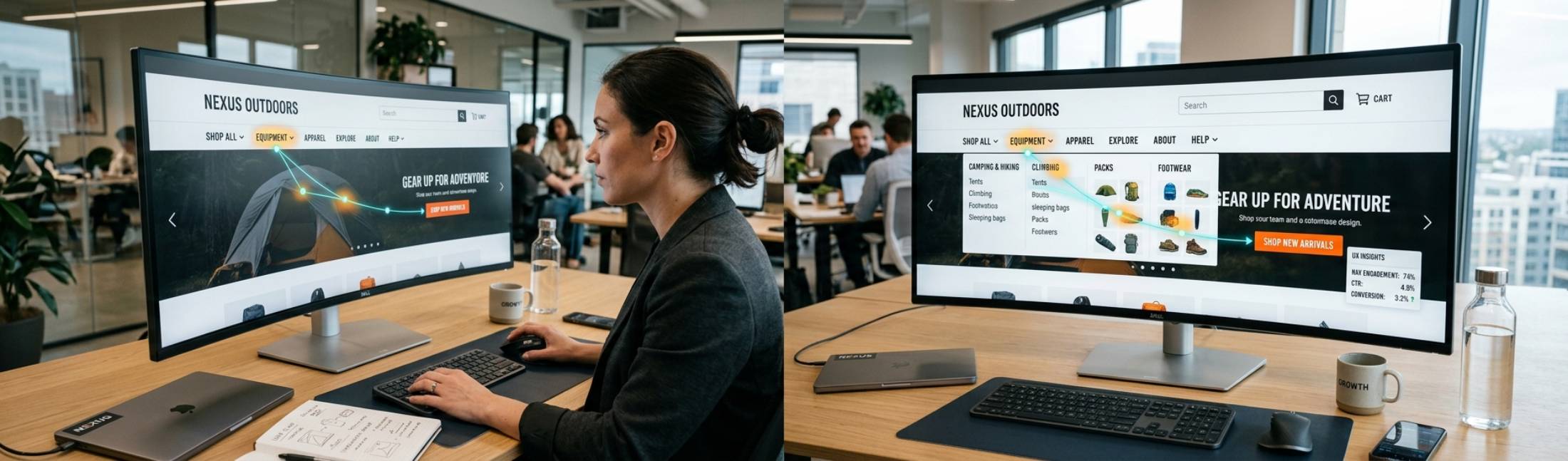
Website navigation is often overlooked as a simple structural element, but in reality, it directly impacts user behavior, engagement, and conversions. In 2025, designing menus requires more than organizing pages—it’s about guiding users intuitively toward desired actions while maintaining clarity and usability.
A well-crafted navigation system aligns with both user intent and business goals, ensuring visitors can find what they need and take meaningful actions.
Understanding Navigation Beyond Structure
Traditional navigation focuses on hierarchy and categories, but modern navigation must consider user behavior and decision-making. Key aspects include:
- User intent: Understand what users are looking for and how they search for it.
- Behavioral patterns: Track how users interact with menus and which paths lead to conversions.
- Contextual relevance: Display options that are most relevant to the user’s current stage in the journey.
Designing with behavior in mind ensures navigation supports, rather than hinders, conversion goals.
Principles of Conversion-Focused Menu Design
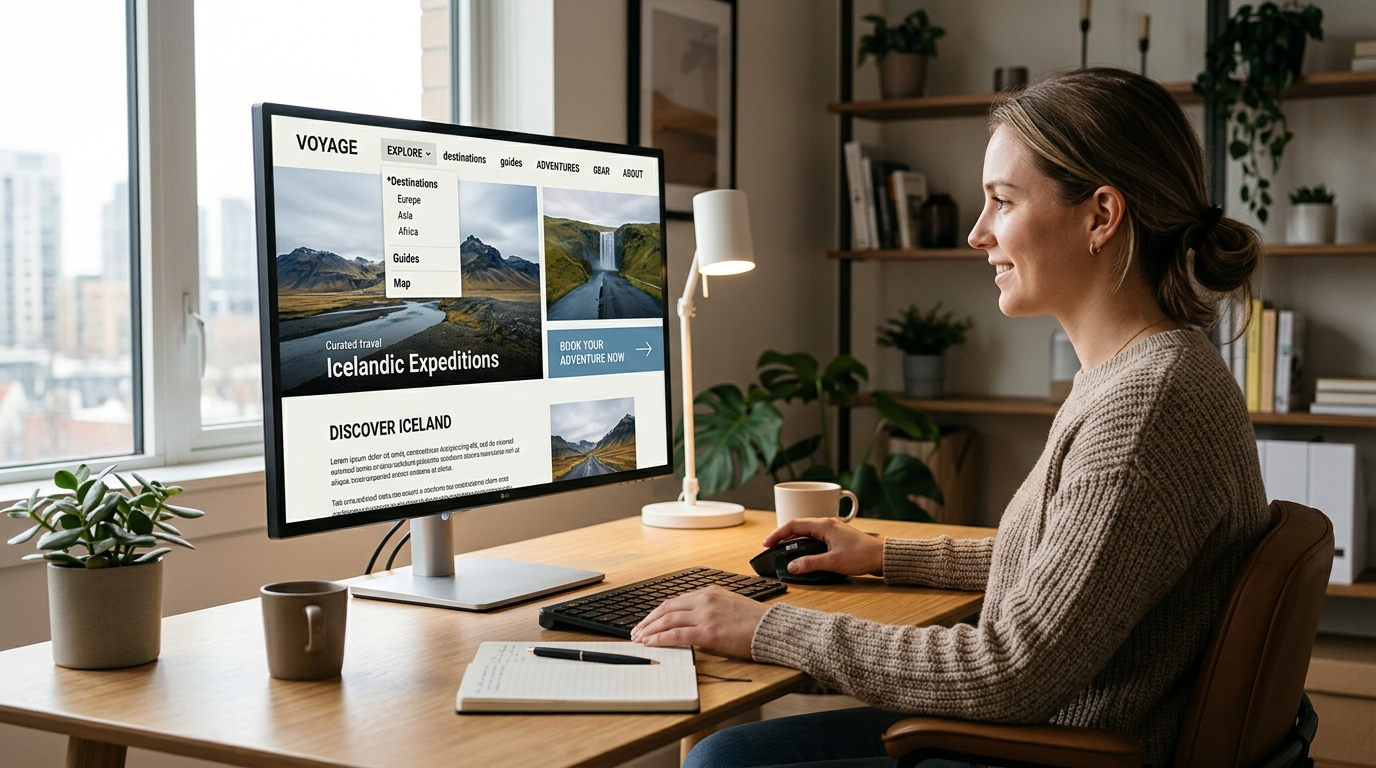
To create navigation that drives results, designers should follow these core principles:
- Clarity and simplicity: Avoid overwhelming users with too many options.
- Prioritize key actions: Highlight pages that contribute most to conversions.
- Logical hierarchy: Group related items together to match user mental models.
- Visual cues: Use color, spacing, and icons to guide attention.
- Consistency: Maintain predictable patterns across devices and pages.
- Accessibility: Ensure menus are usable with keyboard navigation and screen readers.
Menus designed with these principles guide users naturally toward desired outcomes.
Behavioral Insights for Menu Optimization
Data-driven design improves conversion-focused navigation. Consider:
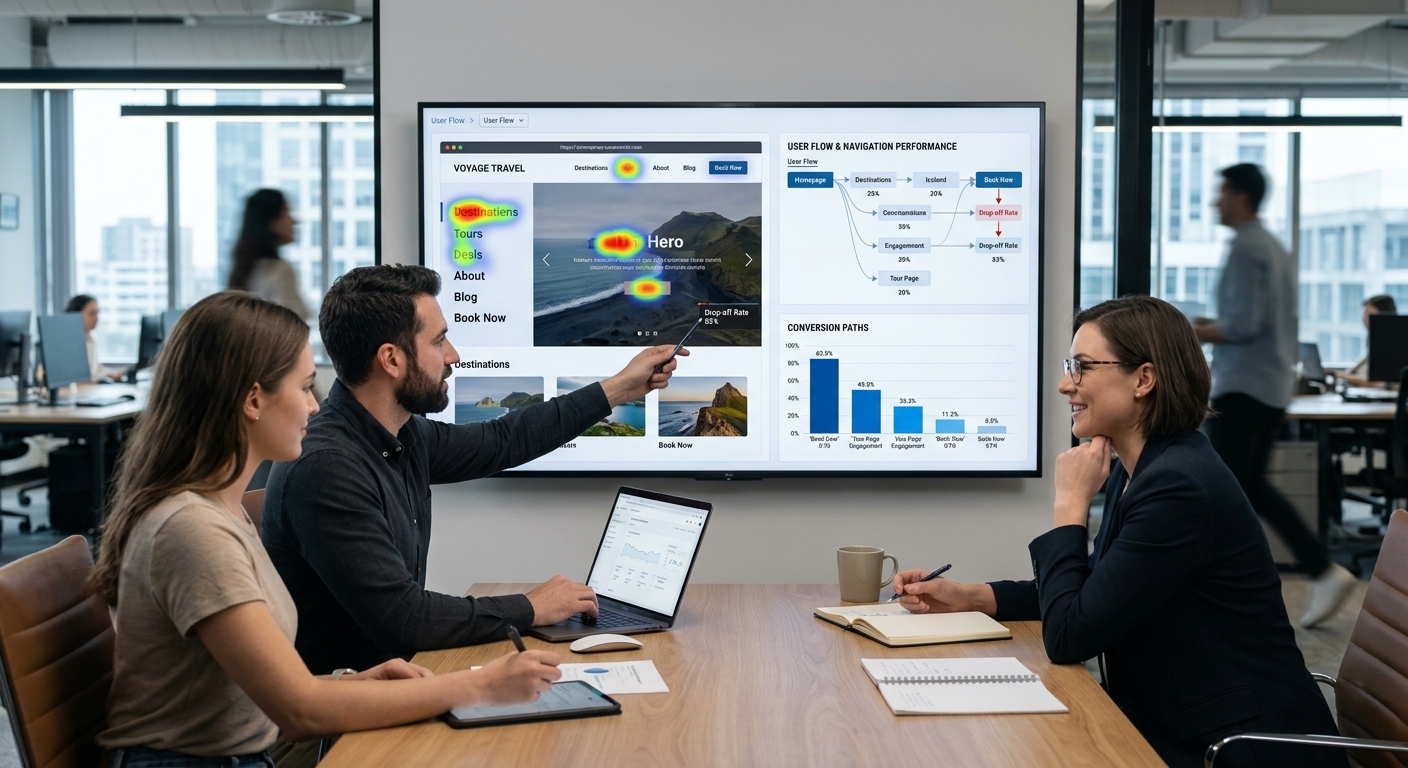
- Heatmaps and click tracking: Identify which menu items attract the most attention.
- Scroll behavior: Ensure important navigation is visible without excessive scrolling.
- User flow analysis: Observe how users traverse the site and adjust menus accordingly.
- A/B testing: Experiment with different layouts, labels, and CTA placements to maximize engagement.
These insights allow designers to align navigation structure with actual user behavior.
Types of Navigation That Drive Conversions
Different navigation styles can be applied depending on site goals:
- Top navigation bars: Ideal for primary sections and product categories.
- Mega menus: Useful for large sites with multiple categories but must remain uncluttered.
- Sidebar menus: Support in-depth exploration without overwhelming the main content area.
- Sticky menus: Ensure navigation is always accessible, improving user flow and reducing drop-offs.
- Contextual menus: Present options based on user location or behavior, increasing relevance and conversion potential.
Choosing the right type enhances usability and reduces friction in the user journey.
Integrating SEO and Navigation
Navigation design also impacts search engine optimization:
- Internal linking: Menus create a natural hierarchy that helps search engines understand site structure.
- Keyword usage in menu labels: Helps pages rank for relevant queries.
- Crawlability: Properly structured menus ensure bots can index important pages efficiently.
Conversion-focused navigation doesn’t just help users—it improves discoverability and SEO performance simultaneously.
Conclusion
Navigation is more than a list of links—it’s a strategic tool for guiding behavior and driving conversions. By focusing on user intent, behavioral insights, and clear hierarchy, designers can create menus that engage visitors, reduce friction, and increase conversions.
In 2025, the most successful websites will use navigation not just to organize content, but to intuitively lead users toward meaningful actions, merging usability with business strategy.